PACE NONCREDIT COURSE:
Adobe Certified Professional (Vouchers Included)
Areas of Study
Course Type
Overview
Hours: 220 | Duration: 12 months
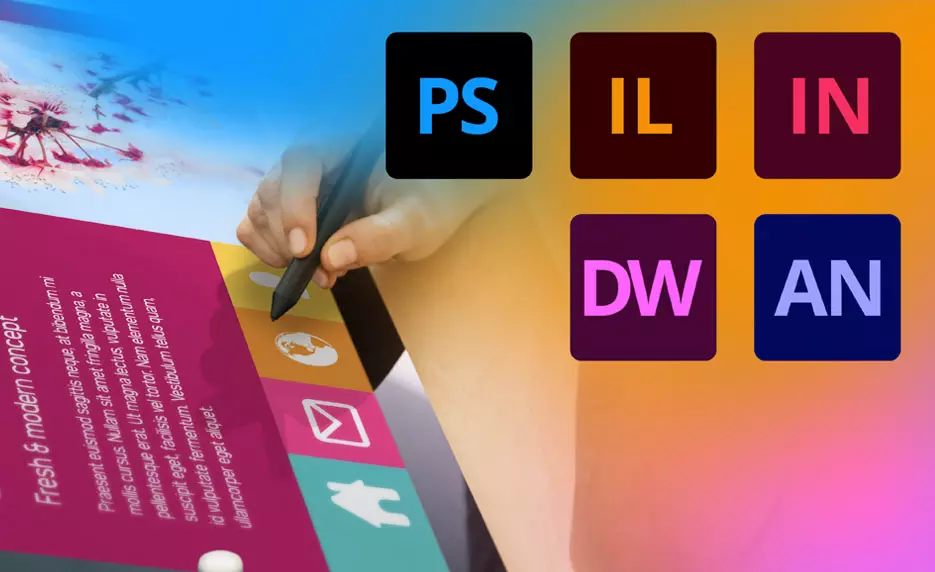
There is a strong demand for Adobe Creative Suite skills. In this Adobe Certified Professional course, you will learn five of the most often used Adobe programs: Dreamweaver, Illustrator, Photoshop, InDesign, and Animate (formerly Flash). You will also read short lessons, complete exercises, watch video demos and reviews of exercises, take quizzes and exams, and complete a project.
By focusing on these five programs, you will learn how to put all the parts and pieces together to develop the Adobe Creative Suite skills needed to become a professional in the design field. Becoming an Adobe Certified Professional will show you are ready to amaze clients, employers, and collaborators with proof of your skillset using the world’s most creative desktop apps.
Upon completing this course, you will be ready to take the five Adobe Certified Professional (ACP) certification exams. This course offers enrollment with vouchers. The voucher is prepaid access to sit for the certifying exam upon eligibility. Proctor fees may apply, which are not included.
Curriculum
Syllabus
- Introduction to Adobe Dreamweaver Creative Cloud
- A Quick Overview of Web Development
- Getting Started with Dreamweaver
- Creating HTML Pages
- Links
- Images
- Lists
- Tables
- Styling Content
- Introduction to Adobe Dreamweaver Final Exam
- Introduction to Adobe Photoshop Creative Cloud
- Exploring the Photoshop Workspace
- Image Size and Resolution
- Selection Tools
- Painting
- Retouching
- Color Correction
- Advanced Layer Techniques
- Working with Type and Vector Shapes
- Designing for Web
- Preparing Final Art
- Introduction to Adobe Photoshop Final Exam
- Adobe Animate Creative Cloud
- Getting Started
- Working with Drawing Tools
- Graphic Symbols and the Library
- Basic Animation
- Advanced Animation
- Button Symbols
- Movie Clip Symbols
- Publishing Animate Documents
- Introduction to Adobe Animate Final Exam
- Introduction to Adobe Illustrator Creative Cloud
- Getting to Know the Illustrator Environment
- Getting Started
- Organize a Project
- Creating Advanced Illustrations
- Advanced Management of Shapes
- Working with Type
- Manage Project Components
- Sharing Your Project
- Introduction to Adobe Illustrator Final Exam
- Introduction to Adobe InDesign Creative Cloud
- Getting to Know the Environment
- Creating a Project
- Working with Graphics
- Working with Text
- Master Pages
- Working with Templates
- Advanced Techniques
- Printing and Proofing a Project
- Design Principles
- Designing for Web
- Introduction to Adobe InDesign Final Exam
Course Requirements
Requirements: Hardware Requirements: Software Requirements: Other: Instructional Material Requirements: The instructional materials required for this course are included in enrollment and will be available online. Prerequisites: There are no prerequisites to take this course, however you must have familiarity with using a personal computer and in a Windows environment. You must also be able to launch and close programs, navigate to information stored on the computer, and manage files and folders.